
Drills & Pieces: The Hobby & Craft Timer
Keep every diamond art, puzzle and Lego project in one place, with timers, drill stock, a home screen widget and backups.
Free to download. No ads. No login. Android only.
Everything for your hobby shelf
Projects
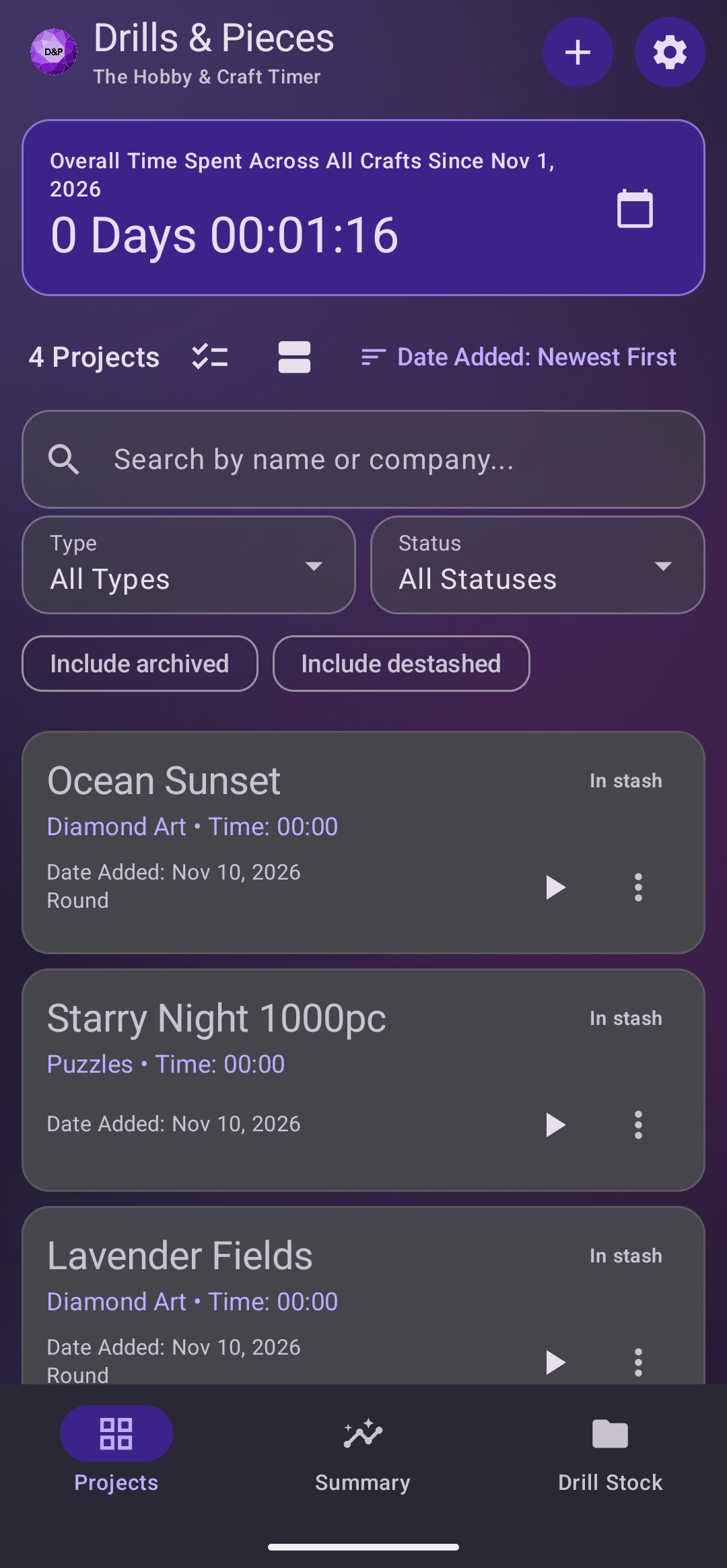
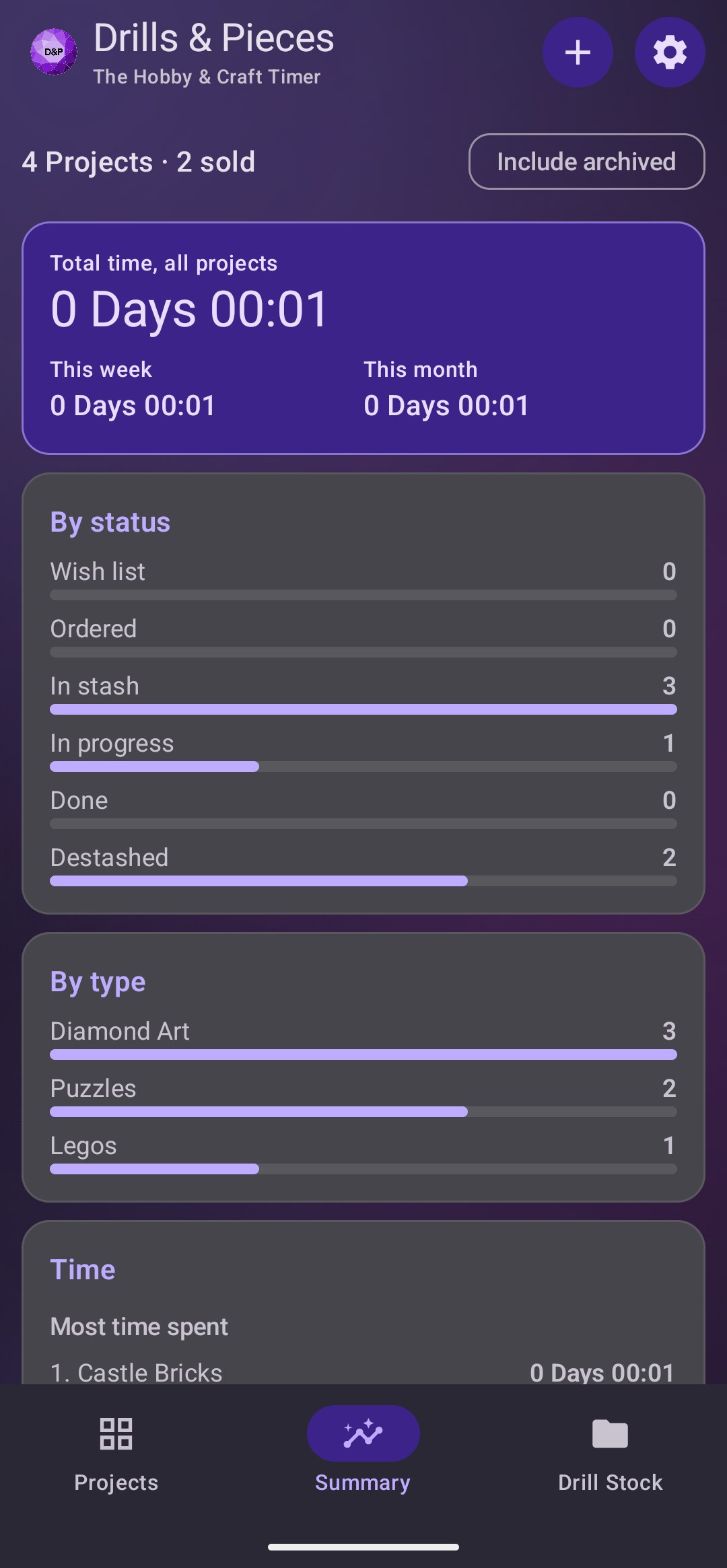
Track every craft from wish list to doneDiamond ArtPuzzlesLegos
Wish listOrderedIn stashIn progressDone
- Width and height in cm or inches, drill shape (Round, Square or Other), drill or piece counts, and a special drills marker
- Ordered, arrived, started and finished dates, picked with a date picker
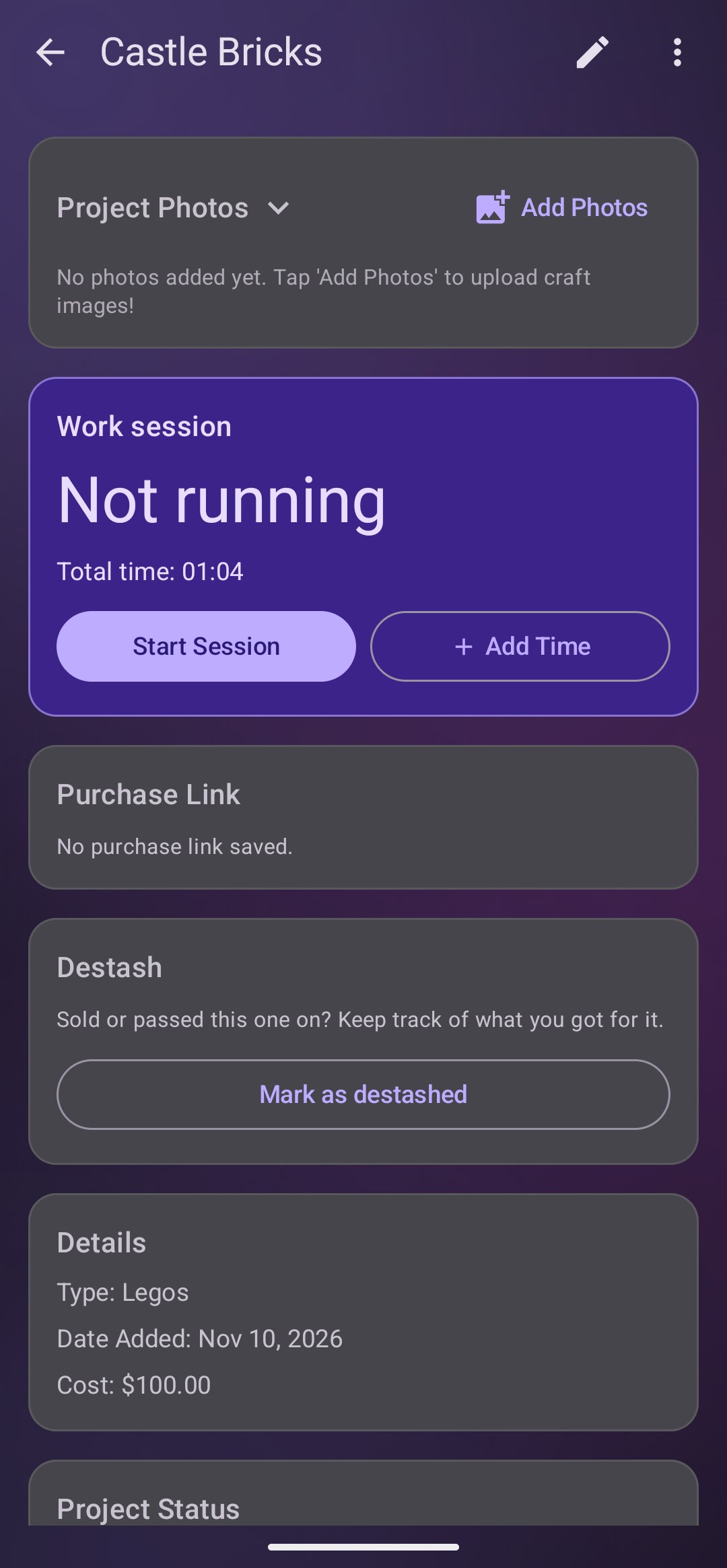
Cost and where you bought it
Keep the receipts in your pocket- Optional cost, shown as currency in your phone’s format
- Save the purchase link, open it later, or copy it in one tap
Drill colors
Know which colors each kit uses- List the DMC colors a diamond art project uses, with a color swatch for each
- See at a glance which colors are in your drill stock, without changing your stock
Time tracking
See where the hours go- Start and pause a live timer on any project
- Every work session is kept with its start and end time
- Add time by hand in hours and minutes
- Your total time across all crafts shows on the main screen
Backup and restore
Your projects stay safe- Export a full backup, photos included, to a folder you choose
- Restore projects, drill stock and sessions from a backup without losing data
- Optional automatic backups on a schedule, which keep running after restarts
Drill stock
Know what’s in your drawersStandardABFairy DustTranslucentRhinestoneGlitterMetallicGlow in the DarkCrystal ABSparkleNeonPearlCustom
- Track stock by color code (DMC 310, B5200 or your own), color name and shape
- Count bags and quantities for each color
Share a project
Send it to a friend by text- A ready-made summary with the title, type, status, size, shape, drill or piece count, time spent, brand or artist, purchase link, cost and notes
- Attach the cover image, sized to send well in messages
- Choose whether to include the image and your notes, or just copy the text
- Pick several projects and share them together as one message, links and costs included
Make it yours
Themes and views- System, Light or Dark mode
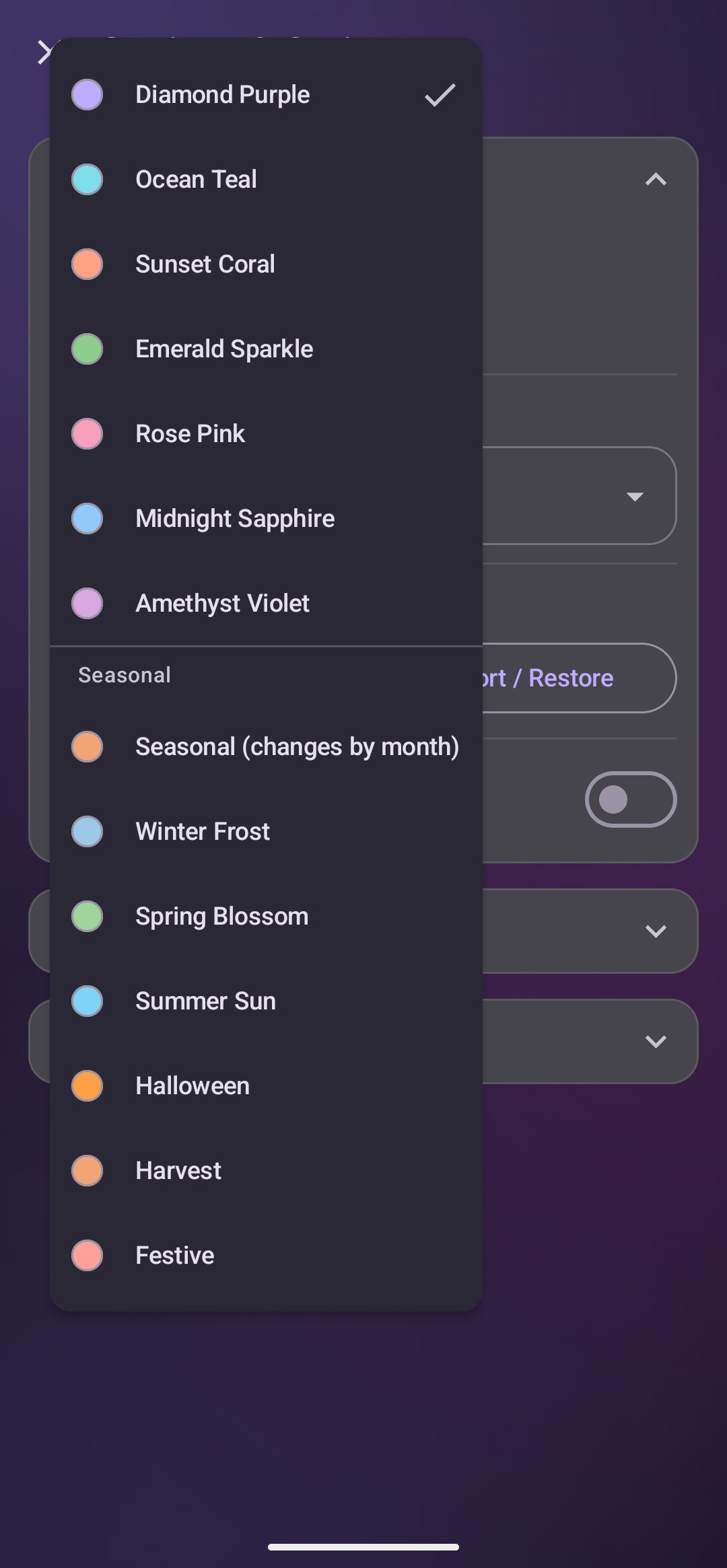
- Seven Material 3 palettes: Purple, Teal, Coral, Emerald, Rose, Sapphire and Amethyst
- Switch between the roomy card view and a compact view
Your privacy
No login neededNo ads, analytics or trackingNo personal data collected
Your projects, notes, photos, drill colors and settings stay on your phone. The app doesn’t send your information to me or to any server, and it doesn’t use your camera. Backups are only saved where you choose, and notifications are only used to tell you if an automatic backup fails. Read the full Privacy Policy.
Screenshots
How to install
Drills & Pieces is installed through Google Play. You join the testing group first, then Google Play gives you access.
- Join the group. Tap “Join Google Group for instructions to get the app” on your phone and join the Google Group with the Google account you use on Google Play.
- Become a tester. Follow the link in the group’s welcome message to opt in to testing.
- Install from Google Play. Open the Google Play page from that link and tap Install.
- Open the app. Tap Open, or find Drills & Pieces in your app list.
Updating: Google Play updates the app for you. Your projects stay as they are, and you can back up first with Export now in the app’s settings.
Free, with no ads
Drills & Pieces costs nothing to download and never shows ads. You’re welcome to join the Discord for updates and company.