
Bunco Bunch
Run your whole Bunco night from your phone: keep score for 2 to 40 players, work out the prizes, and settle who wins what.
Free to download. No ads. No login. Android only.
Everything you need for Bunco night
Rule sets
Play it your way- Classic Party Bunco for big groups
- Low / High Bunco tracks high and low scores across tables
- Small Group for 2 to 4 players
- House Rules with your own points for Buncos and Mini-Buncos
Game setup
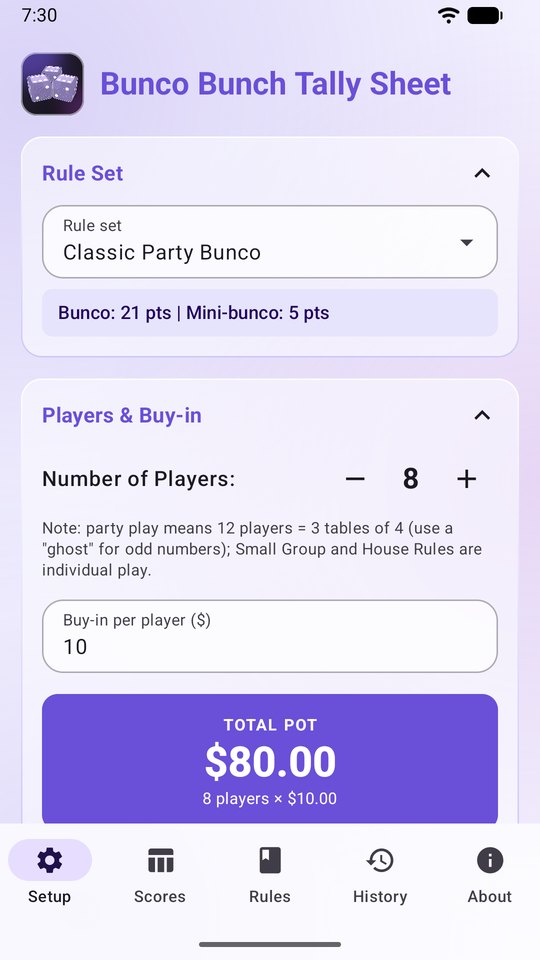
Ready in seconds- 2 to 40 players, 12 by default
- Edit every player’s name
- Set the buy-in and the total pot is worked out for you
- Start a new game and keep the names, or reset everything
Prizes
Classic with 4 categories, Inclusive with 6, or your own dollar amountsMost WinsMost LossesMost BuncosLast Bunco / Traveler50/50Booby PrizeMost Mini-Buncos
- Set an exact amount for each prize and check it against the total pot as you go
- Any leftover custom pot goes to the game leaders automatically
Live score sheet
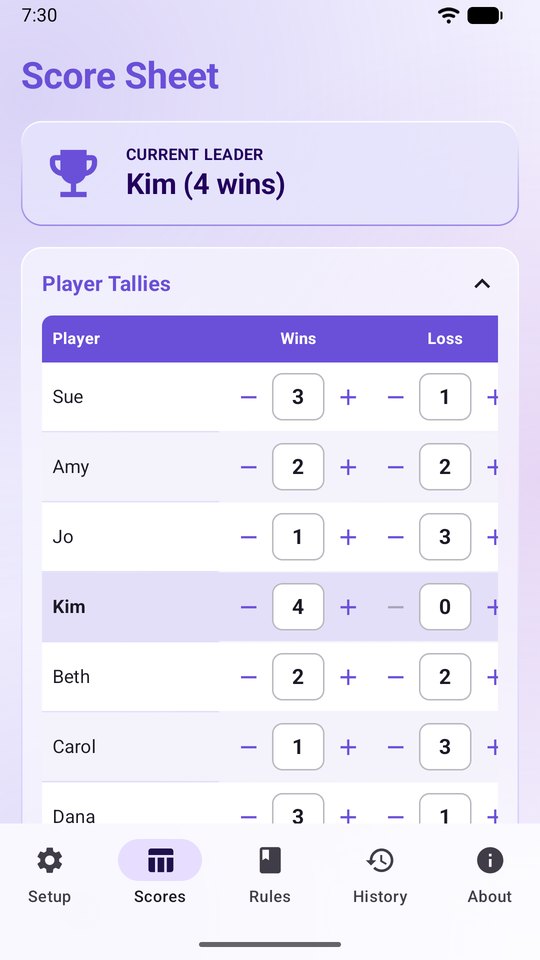
Real-time tracking- Log Wins, Losses, Buncos, Mini-Buncos and the Traveler token for every player
- Current leaders are highlighted by wins and Buncos
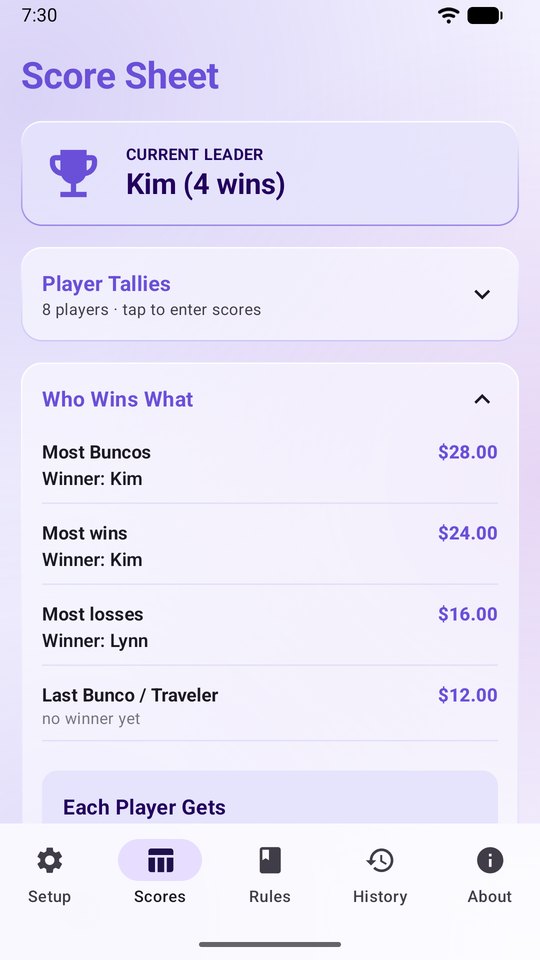
- Who Wins What? shows the qualifying winners, each payout, and every player’s total earnings
Ties and roll-offs
No more arguing- Split a prize evenly among tied players
- Or turn on roll-off mode and pick the roll-off winner right on the score sheet
History and standings
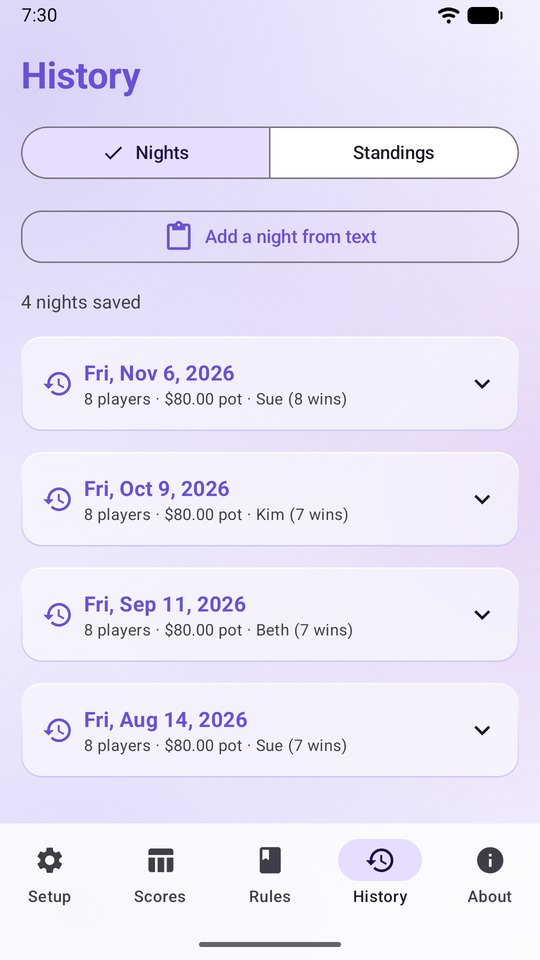
Keep the whole season- Every finished night is saved automatically when you start a new game, with scores, prize winners and payouts
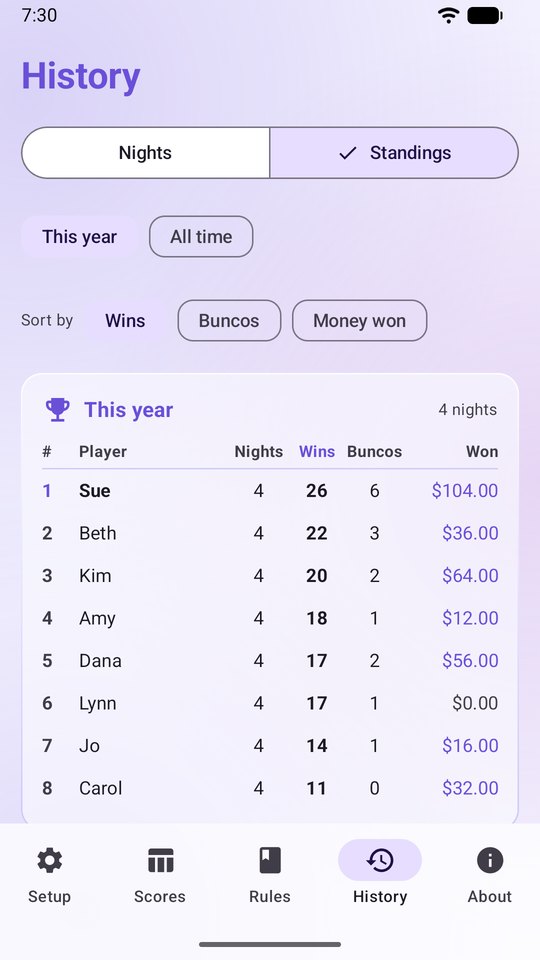
- Standings add up each player’s wins, Buncos and money won for this year or all time
- Share a night’s results to your group chat in one tap
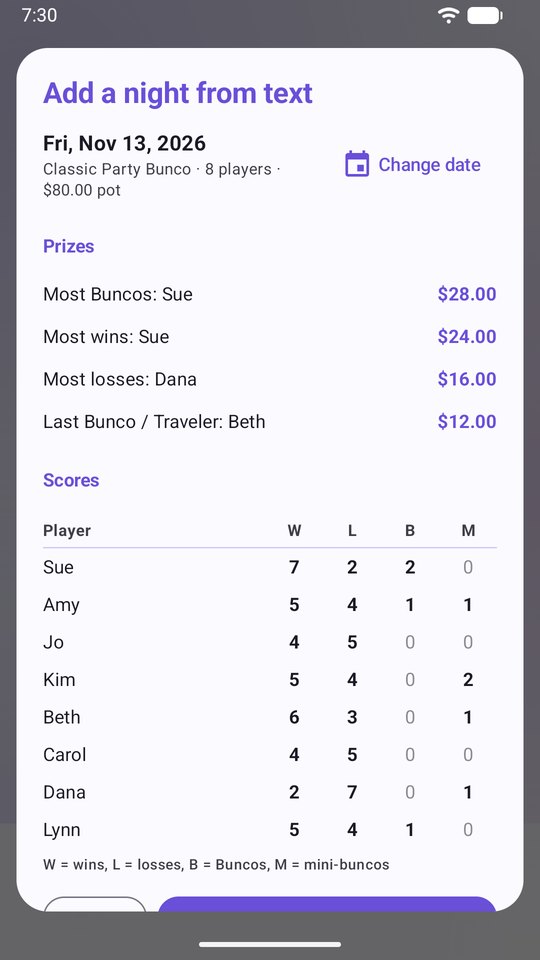
- Missed a night? Add it to your History from the results text someone shared
Rules guide
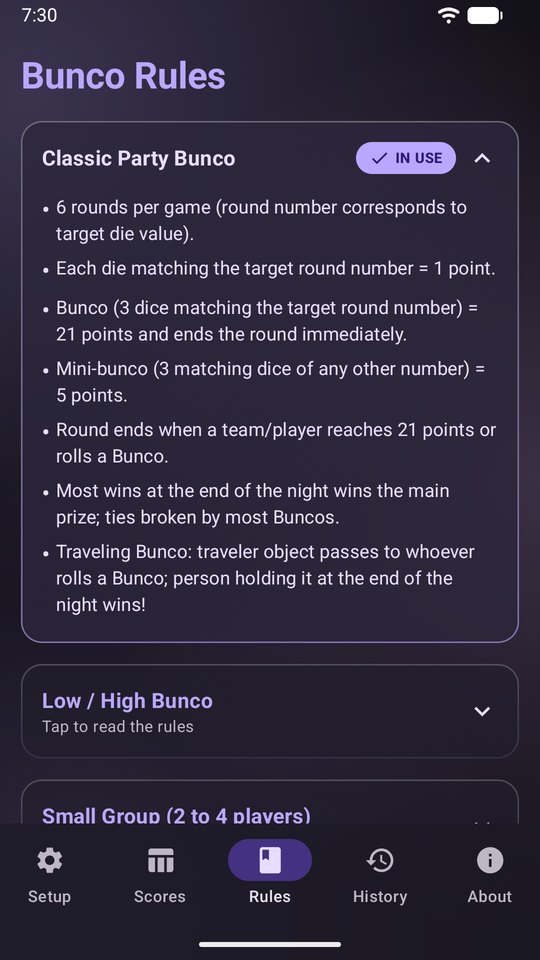
Built in- A complete in-app guide to gameplay, scoring and prizes for every rule set
Make it yours
Themes, seasons and saving- System default, Light or Dark mode
- Seven accent colors: Purple, Red, Orange, Yellow, Green, Blue and Pink
- Seasonal and holiday palettes: Winter Frost, Spring Blossom, Summer Sun, Halloween, Harvest and Festive, or let Seasonal change it by month
- Your game, History, names and settings save on your phone automatically
Your privacy
No personal data collectedNo login neededNo ads or tracking
Your games and History stay on your phone, and the app has no internet access. Read the full privacy policy.
Screenshots
How to install
Bunco Bunch is installed through Google Play. You join the testing group first, then Google Play gives you access.
- Join the group. Tap “Join Google Group for instructions to get the app” on your phone and join the Google Group with the Google account you use on Google Play.
- Become a tester. Follow the link in the group’s welcome message to opt in to testing.
- Install from Google Play. Open the Google Play page from that link and tap Install.
- Open the app. Tap Open, or find Bunco Bunch in your app list.
Updating: Google Play updates the app for you. Your current game and History stay on your phone.
Free, with no ads
Bunco Bunch costs nothing to download and never shows ads. You’re welcome to join the Discord for updates and company.